Removing All Certificates
Admins can remove certificates trusted by the RX-PAD when necessary to update the Room control URL. This prevents the control URL from being exploited to access websites like CNN or Netflix. To achieve this, ports 443 and 80 are blocked. Controllers use different ports for communication.
| ➢ | To remove certificates: |
| 1. | If not already logged in, log in to Device Administration to get admin access (see Logging in to Device Administration). |
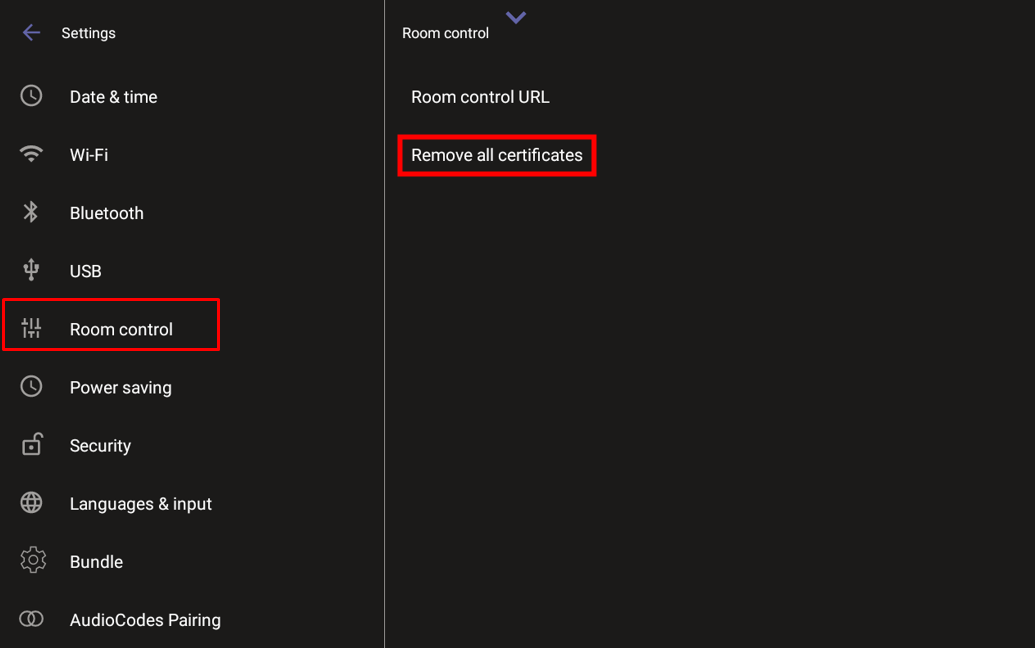
| 2. | Under ‘Device admin settings’, scroll down and tap Room control, then tap Remove all certificates. |
.